
Adding a student reflection in a session
Post a reflection during a live session, or build one into an assessment, and choose from four reflection frameworks.
Updated 26 August 2026
A reflection asks students to write about their own thinking rather than answer a question. Use one at the end of a topic, after a difficult concept, or when you want to know how confident a class actually feels.
When to use it: Any time you want students to step back and think about their learning rather than answer another question.
Reflections work in every session type, but they are set up in two different ways. In an Engage session or a live quiz you post one during the session, when you decide the moment is right. In an assessment session they are built in from the start and you configure them beforehand.
In an Engage session or a live quiz
1. With your session running, choose Add content.
It is in the bottom right corner. It appears in Engage sessions and live quizzes.
On a live quiz, this is not the Add question button. The two sit in the same session and do different things: Add question puts a new question to the class, Add content posts a comment or a reflection. Reaching for the wrong one is the easiest mistake to make here.
2. Choose Reflection.
The drawer opens on Comment. Switch to Reflection.
3. Pick a format from the Reflection framework dropdown, write your prompt, and post it.
The four formats are described below.
In an assessment session
Assessment sessions do not have an Add content button, because there is no shared moment to post into. Instead every assessment has two reflection points built in by default, and you set them up before students start.
Each has its own toggle, and both are on by default. Turning one off does not affect the other.
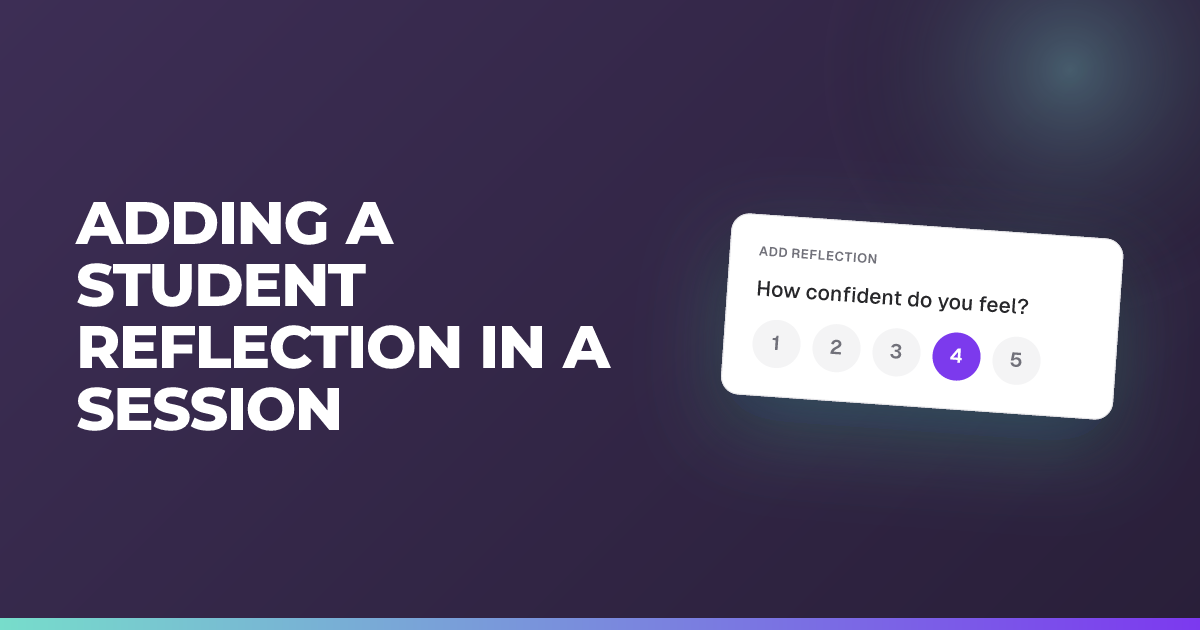
1. The confidence check. A quick confidence rating that appears after the final question, shown as an emoji icon, asking students how confident they felt in their answers before they submit.
You cannot change the wording or the format of this one. Your only choice is whether it runs at all.
2. The reflection. A full written reflection that students complete after they receive their AI-generated feedback, so they are reflecting on what they have just been told rather than on the questions alone.
You choose the format for this one, from the four below, and you set it before the assessment starts.
The two are not interchangeable. The confidence check tells you how sure students felt; the reflection tells you what they made of their feedback.
The four reflection formats
Available in every session type, chosen from the Reflection framework dropdown.
Every format starts from the same main prompt, which by default reads:
What’s the most important thing you learned, and how will you use it?
You can change that prompt to whatever you want to ask. What the framework then adds is a set of follow-up questions underneath it, and those come as standard.
Open Reflection
The main prompt on its own, with nothing underneath it.
This is the one where editing the prompt matters most, because the prompt is the whole question. Use it when you want to ask about something specific to the lesson.
What? So What? Now What?
The main prompt, followed by three questions:
- What? What did you do, learn or notice?
- So What? Why does it matter? What does it tell you about where you are?
- Now What? What will you do next, or do differently next time?
Moves a student from describing to interpreting to planning. A good default for end-of-topic reflection.
Gibbs cycle
The main prompt, followed by five stages:
- Description — What happened? Describe what you worked on.
- Evaluation — What went well, and what was difficult?
- Analysis — Why do you think it went that way? What helped or got in the way?
- Conclusion — What did you learn? What could you have done differently?
- Action plan — If you did this again, what would you do? What’s your next step?
The most demanding of the four. Best after something substantial — a project, a practical, an assessment — rather than a single lesson.
3-2-1
The main prompt, followed by one short list:
- 3 things you learned
- 2 connections or surprises
- 1 question you still have
The quickest to complete, and the easiest to ask for repeatedly without a class tiring of it.
Choosing between them. Open Reflection gives you the most control over what you ask. The three structured formats give students scaffolding, which matters more the less practised a class is at reflecting. 3-2-1 is the one to start with if reflection is new to a group; Gibbs is a lot to ask of a class that has not done it before.
Sessions that have ended
Once a session is closed you can read the reflections but not add another.
If you used to have a Reflection button
Reflection previously had its own button in live quiz sessions. That button has gone and reflections now live in the content drawer with everything else.
If you have been looking for the old button, this is why you could not find it. Nothing has been removed, only moved.
Tips
- Ask about the thinking, not the content. “What part of this is still unclear?” gets you more than “What did you learn today?”
- Give it a moment. Reflections take longer to write than a quiz answer takes to pick. Posting one and moving on in thirty seconds gets you nothing.
- Read them aloud, anonymously, if the room can take it. A class hearing that three other people found the same thing hard is worth more than any chart.
Related articles
Still stuck?
We're happy to help you directly. Get in touch with the Nurture team.