
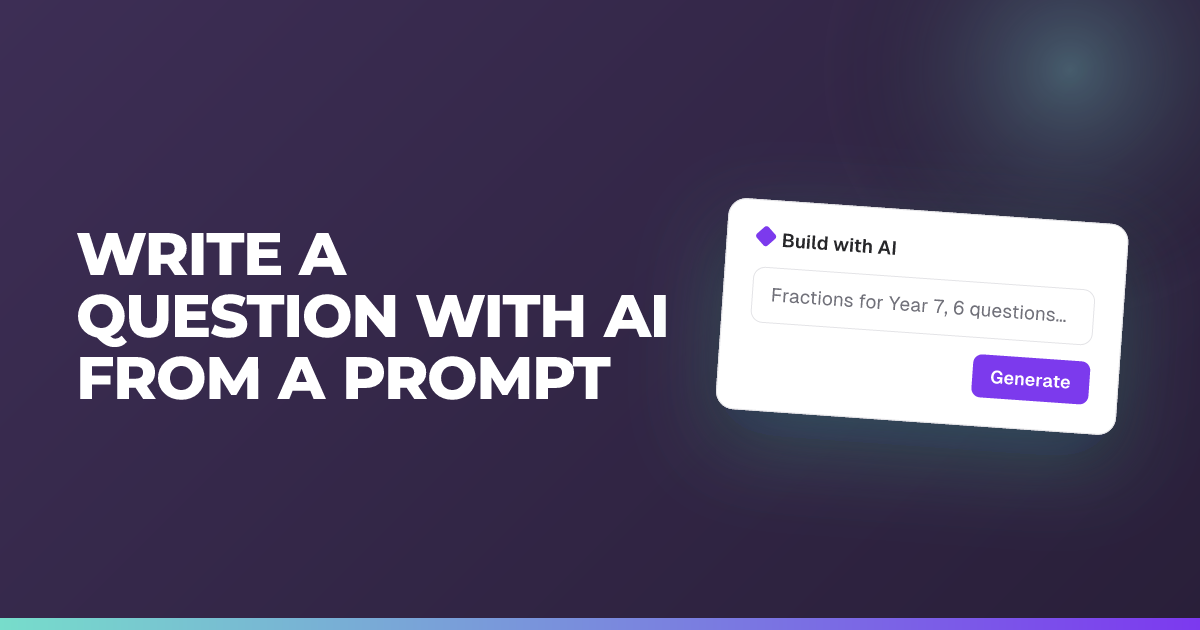
Write a question with AI from a prompt
Teacher
Type what you want to ask and let AI draft the question and answers.
Updated 25 October 2026
Draft a single question in seconds by describing it in plain words, then fine-tune the wording with one tap.
When to use it: You want to add one good question quickly without writing every option yourself.
Writing quiz and poll questions with AI works on every plan and uses your weekly AI allowance. Writing open answer questions with AI needs Premium.
Steps
- Open the question editor. In a live quiz or Assessment, select + (Add question). In an Engage session, open the composer.
- Choose Quiz or Poll.
- In the AI box at the top of the editor, type your request. The box prompts you to “Describe the quiz question you want to create.” (or “Describe the poll you want to create.”).
- Choose Create, or press Ctrl or Cmd + Enter.
- Review the drafted question and options, and for a quiz, the correct answer and explanation.
- To adjust it, use a quick option: Shorten, Simplify wording, Increase difficulty or Improve choices. Clarify question, Improve explanation and Add context are under the three dots. Or type a new instruction in the box, which then asks how to rewrite the question, and choose Rewrite.
- Save the question.
Tip: If a change goes the wrong way, use the undo and redo arrows beside Create or Rewrite. This works whether you’re building a quiz question (with a correct answer) or a poll (no correct answer).
Other question types
- Rating scale polls offer Shorten, Simplify wording, Clarify question and Add context.
- Open answers (Premium) write the question, its success criteria and the answer length together, but not the model answer. See creating open answer questions.
- Several questions at once: choose Generate Multiple in the list of question types.
Good to know
- Descriptions guide the AI. If the question has a description or images, the AI reads the description and what you wrote under each image, so the question fits the passage or picture. It never sees the images themselves, and never changes your description. You can write the description first and then ask for a question. See adding descriptions and images to questions.
- Documents are Premium. On Premium, the AI can also use documents attached to the session. On Standard, the editor tells you “Generate from documents with Premium. You can still describe a topic below.”
- Check before you start. When you start a live quiz or publish an Assessment that has an AI written question you haven’t looked at yet, Signal asks you to confirm you’ve checked its correct answer and explanation.
Related articles
Still stuck?
We're happy to help you directly. Get in touch with the Nurture team.