
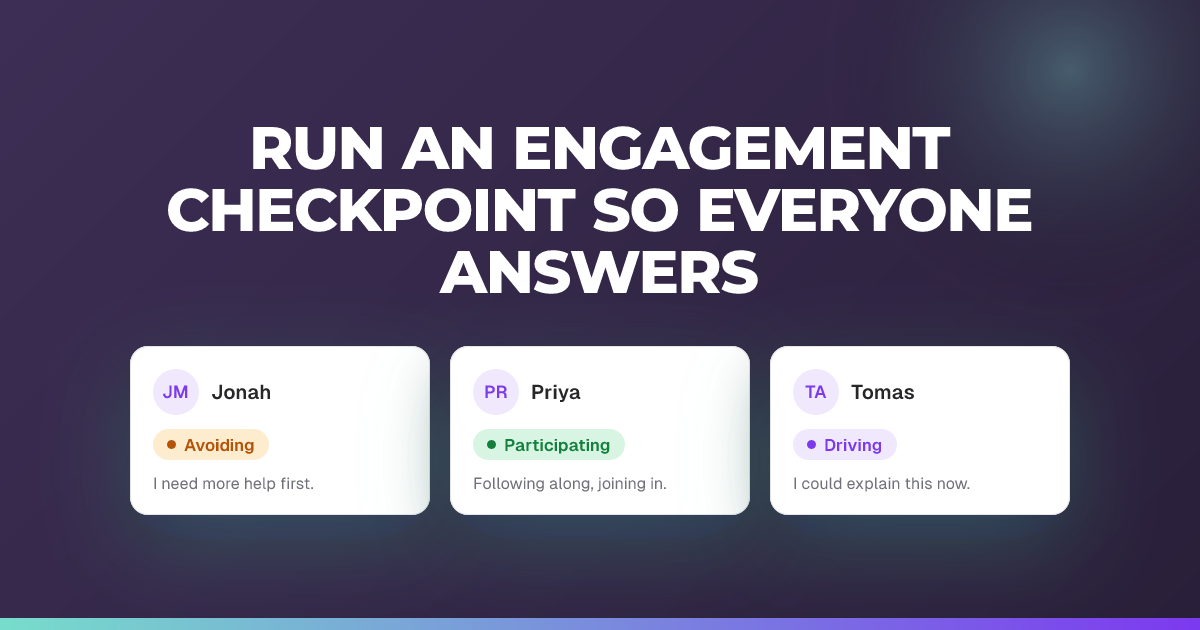
Run an engagement checkpoint so everyone answers
Force every student to show where they are on the engagement spectrum.
Updated 14 July 2026
Post an engagement checkpoint that every student has to answer before they can carry on, so you get a complete snapshot of the room.
When to use it: When you need a reading from everyone, not just the students who happen to react.
Steps
- With your session live, tap the compose button (“Send a message”) to open the composer.
- Choose the Engagement tab.
- Keep or edit the prompt, then tap Post.
- Watch the results fill in as students answer. Each picks a position on the engagement spectrum and can add a note.
- If a checkpoint is still open and you post another, confirm Post engagement checkpoint? by tapping Post anyway.
Tip: Anyone who reacted on the engagement spectrum in the last 2 minutes counts as already answered and won’t be forced again; their recent reaction is folded into your snapshot. Engagement checkpoints are available in engagement sessions only (not Check-for-Understanding sessions). There is no region or paid-plan restriction.
About this feature
Still stuck?
We're happy to help you directly. Get in touch with the Nurture team.