
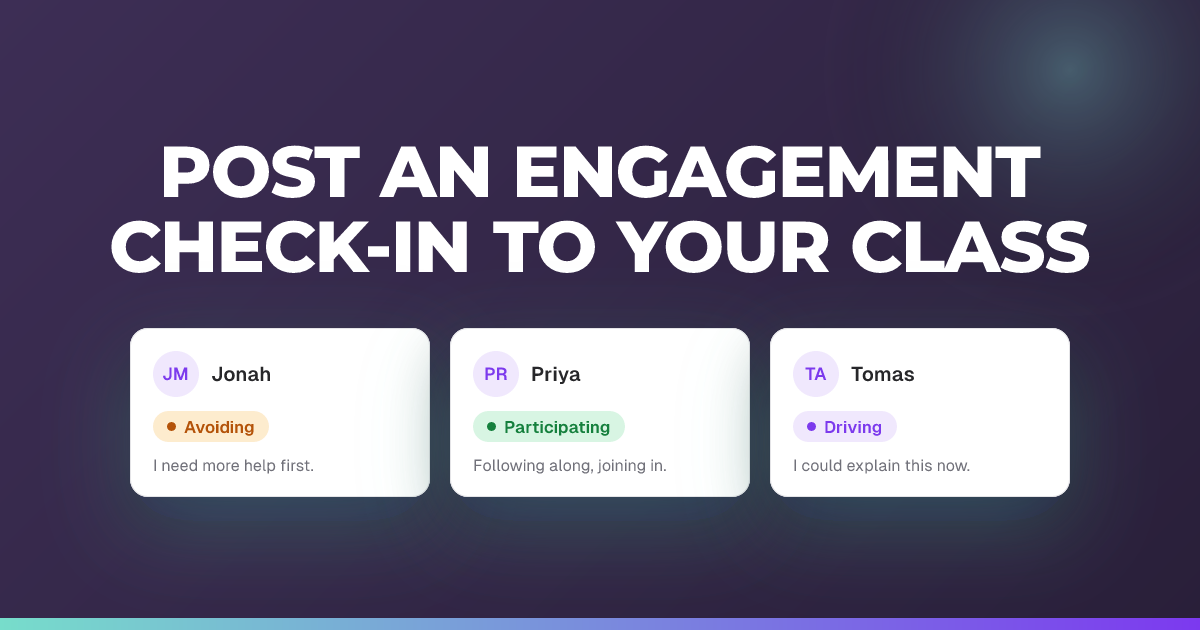
Post an engagement check-in to your class
Ask everyone how they are engaging right now and choose how they answer.
Updated 14 July 2026
Post a quick engagement check-in that asks students where they are on the engagement spectrum, and decide how much detail they give back.
When to use it: Mid-session, when you want a fast read on how engaged everyone is right now.
Steps
- With your session live, tap the compose button (“Send a message”) to open the composer.
- Choose the Engagement tab.
- Leave the pre-filled prompt “How are you engaging right now?” or edit it in your own words.
- Set Require an explanation with each engagement check-in on or off (under Engagement check-ins).
- Set Show suggested responses on or off.
- Tap Post.
Tip: Both toggles start from your session defaults, but what you choose here applies to this one check-in only. Turn on “Require an explanation” when you want a written reason, not just an emoji. You can also Save for later instead of posting, to queue it as a prepared draft.
Previous
Previewing a session as a student
Next
Adding a question or check-in in the middle of an active session
About this feature
Still stuck?
We're happy to help you directly. Get in touch with the Nurture team.