
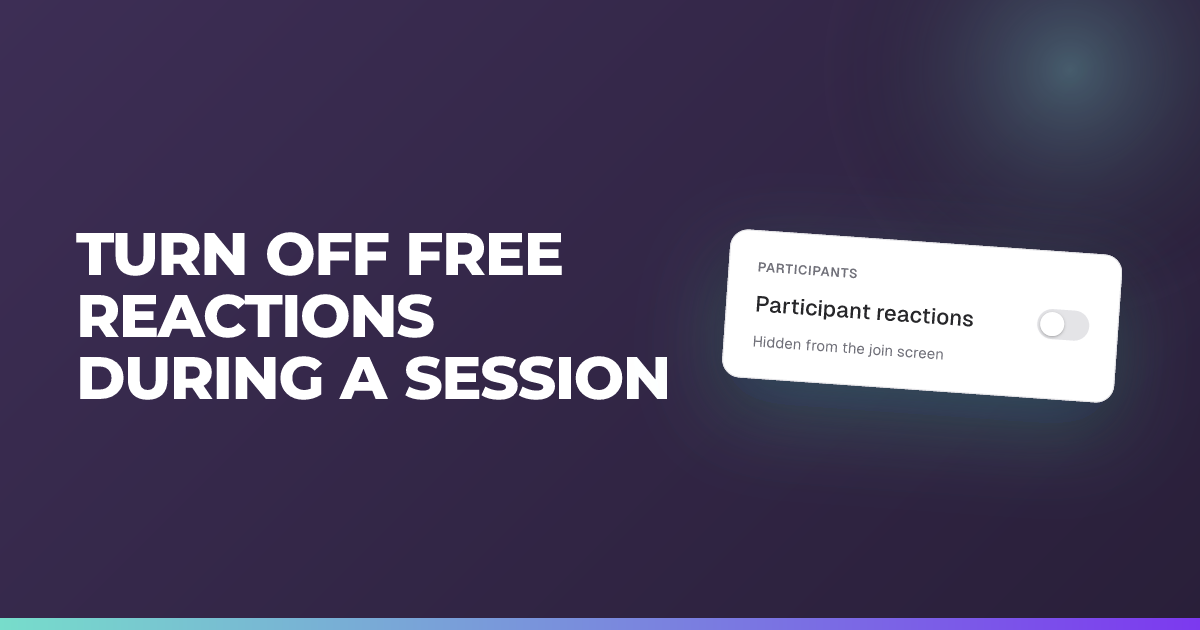
Turn off free reactions during a session
Stop students reacting on their own so they only respond to your check-ins.
Updated 14 July 2026
Switch off students’ free reactions so the only time they respond is when you post a check-in.
When to use it: When open reactions are a distraction and you want responses only at the moments you choose.
Steps
- Open your session’s settings (in the Create session, Edit session details, or Duplicate session drawer).
- Expand Advanced.
- Find the Comments & reactions section.
- Turn off Students can add reactions.
- Save the session.
Tip: This is independent of comments: students can still add comments, reply, and answer your check-ins with reactions turned off. When off, they see a “Reactions are disabled by the teacher.” banner. Reactions are on by default.
Previous
Run an engagement checkpoint so everyone answers
Next
Shuffle answer options for each student
Still stuck?
We're happy to help you directly. Get in touch with the Nurture team.