
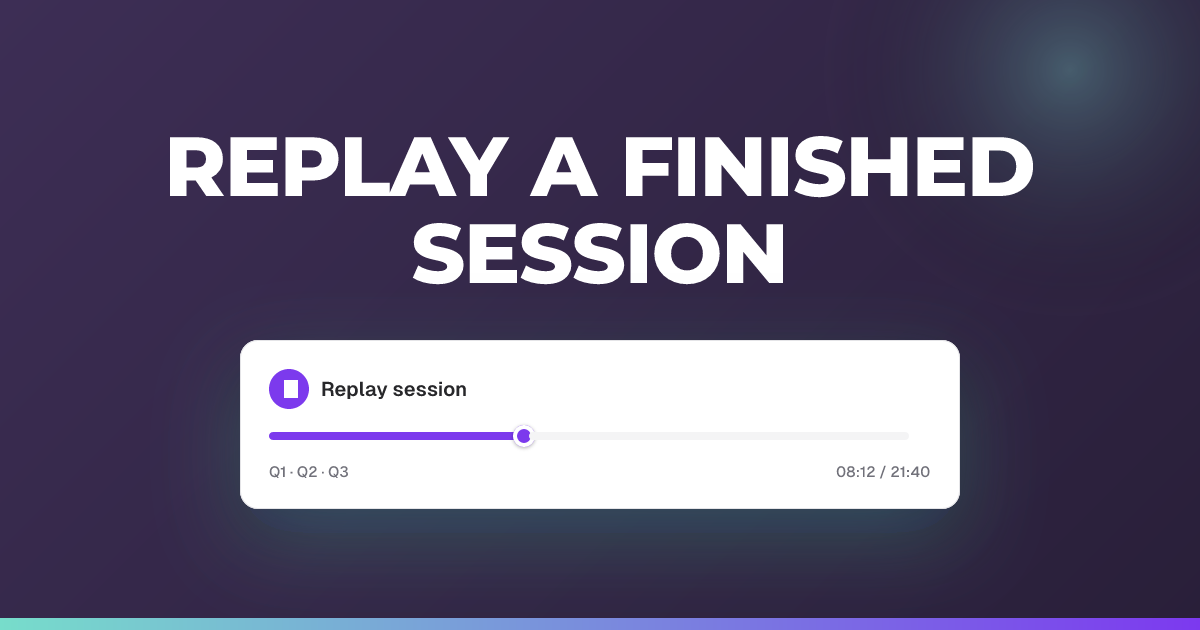
Replay a finished session
Watch an ended session play back exactly as it happened, at your own pace.
Updated 14 July 2026
Replay lets you watch a finished session unfold again: the timeline and the student list move just as they did live.
When to use it: After a session ends, to review how it went or to show a colleague what happened.
Steps
- Open the session you want to review (it must have ended).
- Click Replay. On a phone, open the session menu and choose Replay Session.
- Press Play replay to start, and Pause replay to stop at any moment.
- Use Back 10 seconds and Forward 10 seconds to jump around, or Restart replay to go back to the start.
- Open the Playback speed menu and pick 1×, 2×, 4×, 8×, or 16× to slow down or speed up.
- Turn on Skip inactivity to jump past quiet stretches with no reactions or comments; the quiet stretches are also shaded on the progress bar so you can spot them.
- Drag the Seek replay bar to move to a specific point.
Tip: Only the session’s teacher can open Replay, and only once the session has ended. You won’t see it on a live or pending session.
Still stuck?
We're happy to help you directly. Get in touch with the Nurture team.