
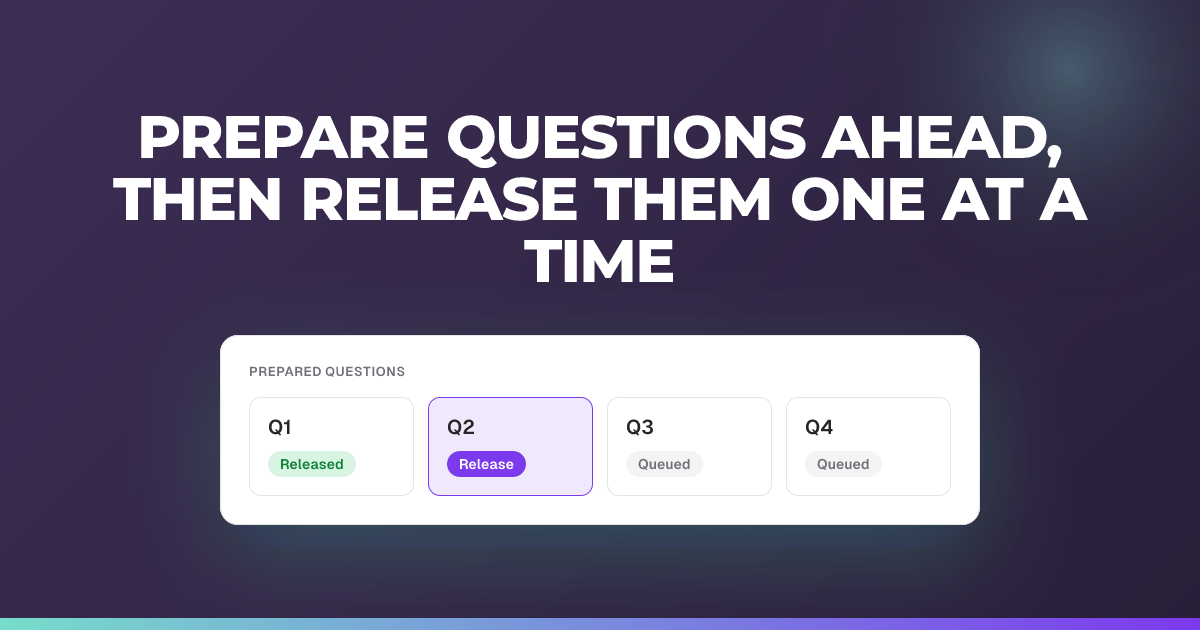
Prepare questions ahead, then release them one at a time
Build your questions before the lesson and open each one when you reach it.
Updated 20 October 2026
Set up your questions in advance, then reveal them to the class one at a time as your lesson unfolds.
When to use it: You want everything ready before class so you can focus on teaching and just open each question at the right moment.
Prepare the session
- Choose New session on your dashboard, or Sessions then New session in the side menu.
- Enter a Session name and, if you like, choose a Classroom.
- Under Session type, choose Live quiz.
- Leave Generate with AI on to have questions drafted for you, or switch it off to write them yourself.
- Choose Prepare for later. You can also choose Add a date & time (optional) to note when you’ll run it. It won’t start on its own.
- Choose Create live quiz.
The session opens in the teacher view straight away. Later, you’ll find it under Coming up on your dashboard, and under Upcoming on the Sessions page.
Add your questions
- In the teacher view, choose Add your first question, then add each hinge question you want to ask. If AI drafted them, they’re already there for you to review.
- Open each AI-written question and check its correct answer and explanation.
Release them in the lesson
- When your lesson begins, choose Start. If any AI-written questions haven’t been opened yet, you’re asked to confirm you’ve checked them first.
- When you reach a hinge point, choose Open question to release that question to the class.
- When the lesson reaches the next hinge point, move to the next question and choose Open question again. You can Reveal answer or close the previous question first, but you don’t have to.
Tip: You control the pace: a question only reaches students when you open it. If you open the next one while some students are still answering, they finish the question they’re on and the new one queues behind it, appearing as soon as they submit. This is available to every teacher. It isn’t limited to any region or plan.
Good to know
- Engage sessions work differently. Prepared check-ins wait in Saved drafts, and you choose Send on each one during the session.
- Check what students will see before the lesson with Preview as student.
Related articles
Still stuck?
We're happy to help you directly. Get in touch with the Nurture team.