
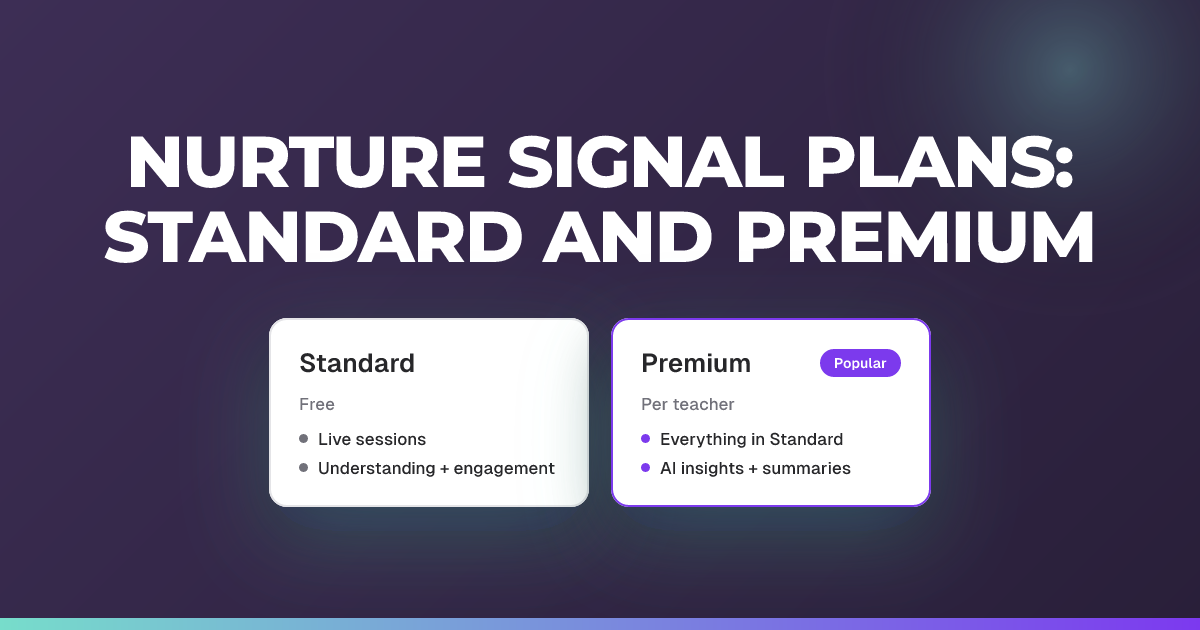
Nurture Signal plans: Standard and Premium
What each plan includes, which features need Premium, and which features are switched on per school.
Updated 2 November 2026
Every account is on one of two plans, Standard or Premium. This page explains what each includes, and which features are switched on school by school instead.
When to use it: When you want to know which features you have, or what Premium adds.
Standard
This is the default plan. You can create and run every session type your school uses, generate sessions with AI from a topic you describe (and from your own files, 3 times a week), write questions with AI, and read your results, including the recommendation on each question and each student’s progress.
Premium features are marked with a gold crown. On Standard you can see them, but you can’t switch them on. Several show a short message saying they’re a premium feature.
Premium
Premium unlocks the crown-marked features:
- Personalised feedback on Assessments. After students submit, AI writes each of them short feedback on every answer. It’s shown in place of your explanation, which stays available to them. On Standard, the Personalised feedback card in the Assessment set-up reads: “A premium feature. Upgrade to give each student personalised feedback on their answers.”
- Unlimited sessions from files. The From files tab in Generate with AI builds a session from up to 5 files, such as a previous assessment, a handout or your notes. Standard includes three free generations from files each week; Premium has no weekly limit. See generating a whole session with AI.
- Supporting documents. Add reference material to an Assessment to guide its personalised feedback and any questions you generate for it later.
- Checking explanations. The Explanations chart sorts students’ reasons into Potential guess, Low effort, Pasted in and Own reasoning. On Standard the counts show as ”?”, though you can still mark a response as a guess or low effort yourself.
- AI insights. A short summary of everyone’s answers or comments, with the common themes and a count for each.
- Export PDF. A branded PDF of a session’s results.
- Marking open answers. Marking against success criteria or your own mark scheme, choosing whether students see the model answer, having AI write open answer questions and model answers, and personalised feedback on open answers.
- A larger weekly AI allowance. Both plans have a weekly allowance for AI work. Premium’s is much larger.
On every plan
These question types are there for every school, on both plans:
- Open answers, where students write their answer in their own words. See creating open answer questions.
- File upload questions, where students answer by uploading files. See asking students to upload files.
- Rating scales for polls.
- Ordering and Number questions, which Signal marks itself without AI. See creating ordering and number questions.
- Pictures on answer options in quizzes and polls. See adding pictures to answer options.
Marking open answers and file uploads against success criteria or a mark scheme, and choosing who sees the model answer, need Premium.
Getting Premium
Premium is applied to your account by Nurture, either to you directly or to your whole school, which lifts every teacher in it. There’s no self-serve upgrade button, so ask your school’s Nurture contact.
Tip: Neither plan limits how many sessions you can run. AI features on both plans draw on your weekly AI allowance, which resets each week.
Related articles
Still stuck?
We're happy to help you directly. Get in touch with the Nurture team.