
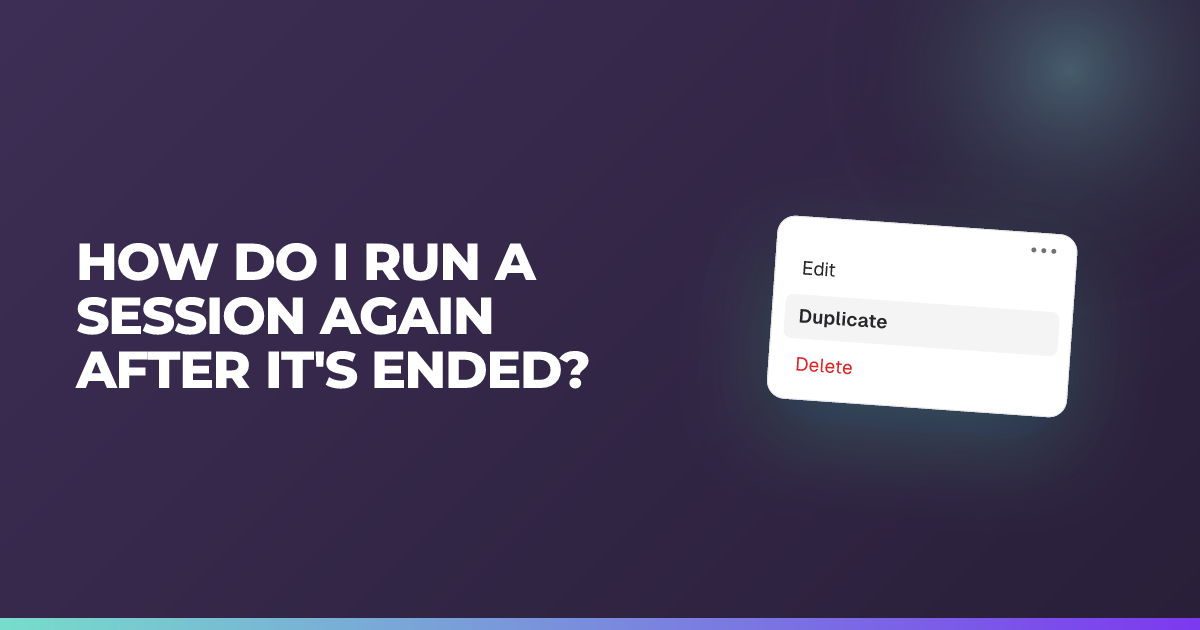
How do I run a session again after it's ended?
You can't reopen an ended session — duplicate it and run the copy.
Updated 26 August 2026
Short answer: you can’t reopen an ended session. Duplicate it and run the copy.
When to use it: When you want to run the same questions again — with another class, or the same class later.
Once a session is ended or closed it stays closed. The responses in it are yours to keep and review, but no new students can join and no new answers can be recorded. To run the same questions with another class — or the same class again later — make a copy.
Steps
- On your dashboard, find the session in the sessions list.
- Choose the three dots on that session, then choose Duplicate.
- Rename the copy so you can tell them apart later — the class or the date works well, e.g. Solving equations — 8B — Sep 2.
- Start the copy when you’re ready.
The copy carries your questions across. It starts with no responses, so the original results stay intact and separate.
Why duplicate rather than reopen
Each session is a record of one group of students answering at one point in time. Reopening it would mix two classes, or two attempts, into one set of results — and you’d lose the ability to compare them.
Tip
If you run the same check every term or with several classes, duplicating from the same original each time gives you a clean set of comparable sessions. Put each copy in the right classroom so it sits with that class’s other sessions — see organising sessions into classrooms.
Reviewing an ended session
Everything you already have stays available: student answers, results, reasoning, insights and exports. Ending a session closes it to new answers, not to you.
What ending does is stop further responses being captured. Nothing you have already collected is affected.
If the session had the wrong join settings
Guest students can’t be switched on after a session has ended. If that was the problem, duplicate the session and allow guest students on the copy before you start it — see my students can’t join or log into a session.
Still stuck?
We're happy to help you directly. Get in touch with the Nurture team.