
Running a poll
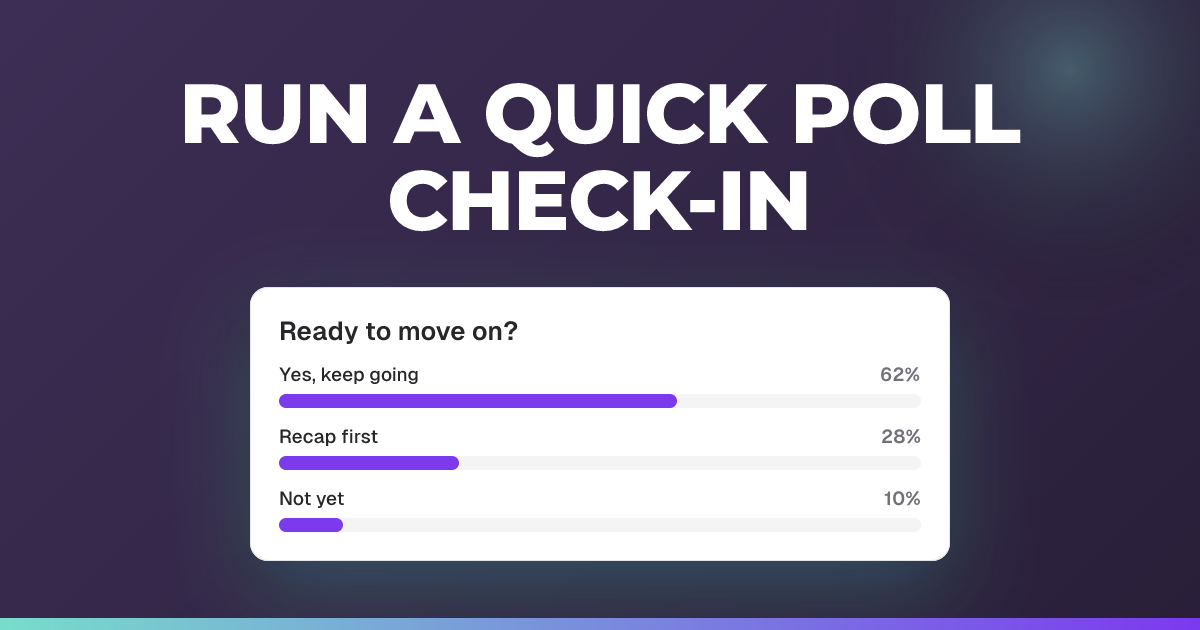
Ask a question with no right answer, on your own options or a rating scale, and see the votes come in live.
Updated 1 November 2026
Gauge opinion or spark discussion with a poll: a question that counts votes, with no correct answer. Write your own options, or, if your school has them, ask on a standard rating scale and get a score back instead of a winning option.
When to use it: You want a fast temperature check, an opinion split or a quick piece of feedback on the lesson, not a graded question.
Post a poll in an Engage session
- In your Engage session’s teacher view, choose the Send a message button (bottom right).
- Select the Poll tab.
- Choose a Poll type:
- Single choice: students pick one of the options you write.
- Multiple choice: students pick every option that applies.
- A rating scale, if your school has them (see below).
- Type your question and fill in the Poll options. The hint reminds you that “Polls have no correct answer.”
- If you’d like, change Ask for a reason under the options, or open Settings to make the poll anonymous (see below).
- Choose Post to share it with students, or Save for later to queue it and send it at the right moment during the session.
Polls work the same way in a live quiz or an Assessment. Add a question, choose Poll, and you get the same Poll type and Settings.
Ask on a rating scale
The Poll type list also offers four standard rating scales.
| Poll type | Students answer on | What you get back |
|---|---|---|
| NPS score | 0 to 10, from “Not at all likely” to “Extremely likely” | NPS from -100 to +100 (promoters minus detractors, as a share of all responses), plus Average score out of 10 |
| Satisfaction (CSAT) | Very dissatisfied, Dissatisfied, Neutral, Satisfied, Very satisfied | CSAT: the share who picked satisfied or very satisfied, plus Average score out of 5 |
| Agreement scale | Strongly disagree to Strongly agree, five points | Agree: the share who agreed or strongly agreed, plus Average score out of 5 |
| Effort (CES) | 1 to 7, from “Very difficult” to “Very easy” | Effort score: the average out of 7, plus Found it easy: the share who scored 5 or higher |
When you pick a scale:
- Its standard question is filled in for you if the question box is empty, for example “How likely are you to recommend us to a friend or colleague?” for NPS. You can reword it.
- There are no options to write. The form shows the Answer scale instead, with a preview of What students see and What you see.
- Students pick one point on the scale.
- The comment box asks the scale’s own question, such as “What’s the main reason for your score?” for NPS.
Reading the results
You see the score live as votes arrive, with the split across the scale’s bands (for NPS, Detractors 0 to 6, Passives 7 to 8 and Promoters 9 to 10), rather than a bar for each number. In an Engage session or a live quiz, students see the results only once you choose Reveal results.
Export the results
- Open the poll’s three dots menu.
- Choose Export CSV.
It’s greyed out until someone has answered. The file has one row per answer, oldest first, with these columns:
- Participant: the student’s name, or Anonymous on an anonymous poll.
- Score: the number on the scale.
- Rating: the point as students saw it, such as “9” or “Very satisfied”.
- Band: how that score is reported, such as “Promoter”.
- Comment: what the student wrote, if anything.
- Submitted: the date and time of the answer, in UTC.
Only rating-scale polls have Export CSV.
Ask for a reason or a comment
Ask for a reason (on a rating scale, Ask for a comment) sits under the poll options, with three choices: Don’t ask, Optional or Required. Polls start on Optional.
With Optional or Required, open Settings under the question to set how long it can be:
- Maximum reason characters: 1,000 unless you change it. It can be anything from 50 to 5,000.
- Minimum reason characters: only for a Required reason. Leave it empty for no minimum. The box is greyed out when the reason is optional, because an optional reason has no minimum.
Students see how they’re doing as they type. Below your minimum, a bar shows how many characters they have and how many more are needed. Over your maximum, the character count turns red. They can’t send their answer until it fits. In between, no counter is shown.
Make a poll anonymous
- Open Settings under the question.
- Switch on Anonymous answers.
Students see an Anonymous badge on the poll before they answer.
In your results, answers show without names: each one says Anonymous, and you can’t open a student from it. You still see how many students are still to answer, and who, once three answers are in. In an exported file, the Participant column says Anonymous too.
Decide before you post. Anonymous answers can’t be changed once anyone has answered, in either direction. Anonymity is only offered on polls, not on quiz questions or open answers.
Good to know
- Every plan. Polls, reasons and their lengths, and anonymous answers are on every plan. Rating scales, and with them Export CSV, are there for every school.
- No right or wrong. A poll has no correct answer, so it doesn’t get a correct count or a recommendation.
- Locked once answered. After anyone has answered, the question, its options, its poll type and its settings can’t be changed.
- Pasted comments. Reasons and comments that were pasted rather than typed are flagged for you. See seeing which answers were pasted in.
Related articles
Still stuck?
We're happy to help you directly. Get in touch with the Nurture team.