
Why is Nurture generating questions at the wrong level?
Teacher
What to check when questions come out too hard, too easy, or at the wrong qualification: it usually comes down to the curriculum boundary.
Updated 15 July 2026
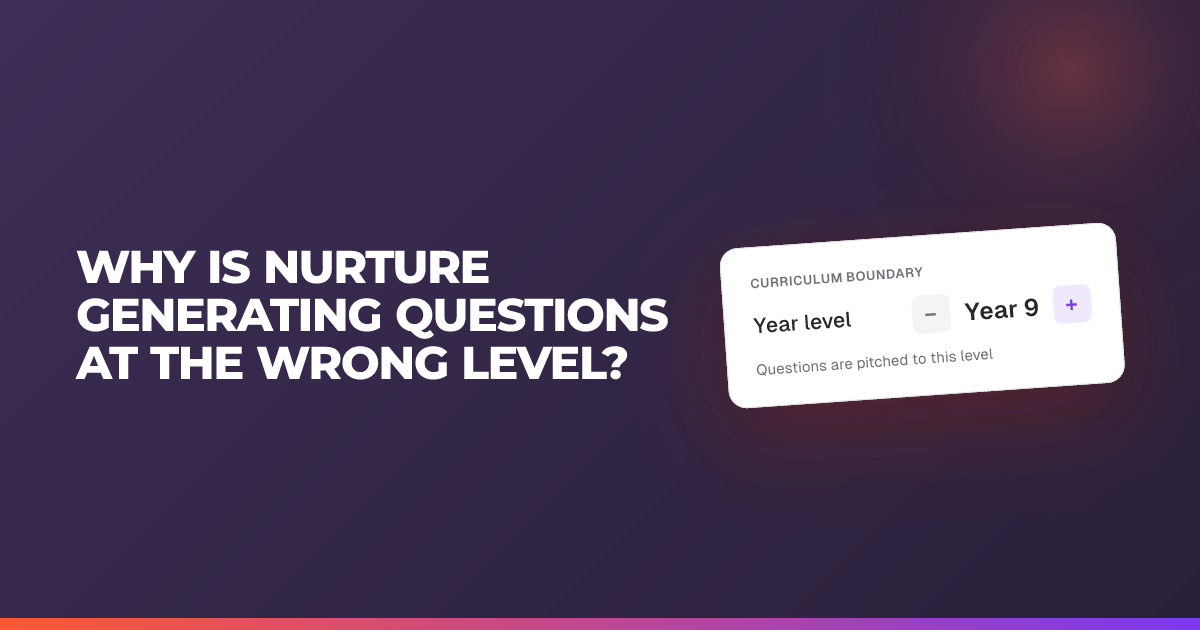
Almost every time questions come out at the wrong level (too hard, too easy, or the wrong qualification), it comes down to the curriculum boundary.
Check these, in order:
- Is your curriculum boundary set? Open Classroom settings → Curriculum boundary and make sure your curriculum documents are uploaded there.
- Were your documents uploaded to the curriculum boundary, not the chat? Files dropped into the task chat are treated as one-off context and won’t set the level. They need to be in the curriculum boundary.
- Did you tell the Nurture AI Assistant the specifics? The curriculum boundary sets the level; your prompt sets the detail. Say the question types and mark allocations you want.
Fix the boundary and regenerate: the level should fall into line.
Related articles
Still stuck?
We're happy to help you directly. Get in touch with the Nurture team.